
How to make custom photo clothing & gifts
From your photos.
To your front door.
Nine simple steps to design and order personalized photo clothing and gifts with the free PhotoWear app.
Download the App
Download the app to your iPhone, iPad, or Mac computer. In just 10 minutes you've made your first piece with PhotoWear™ Designer.

Available now — free
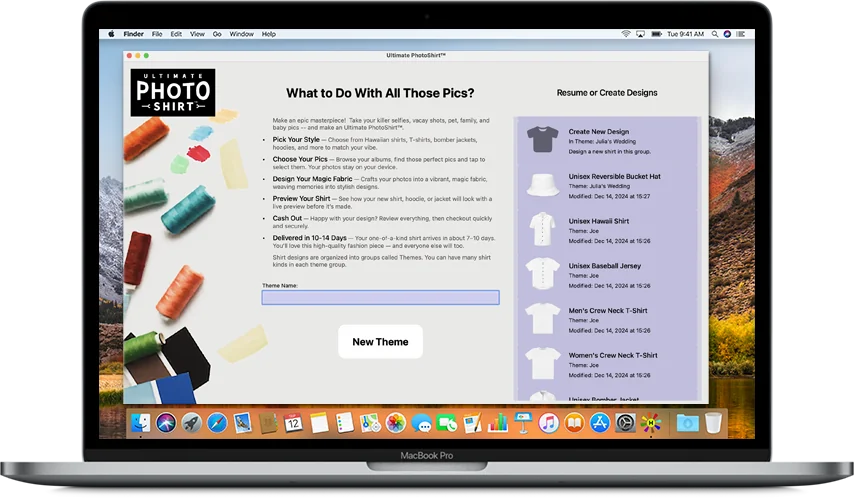
Choose Your Pics
Dive into your photo albums, scroll through those priceless pics — whether it’s your squad, your pet, or that epic road trip — and tap to select the photos you want. Don’t worry, your pics stay on your device the whole time.
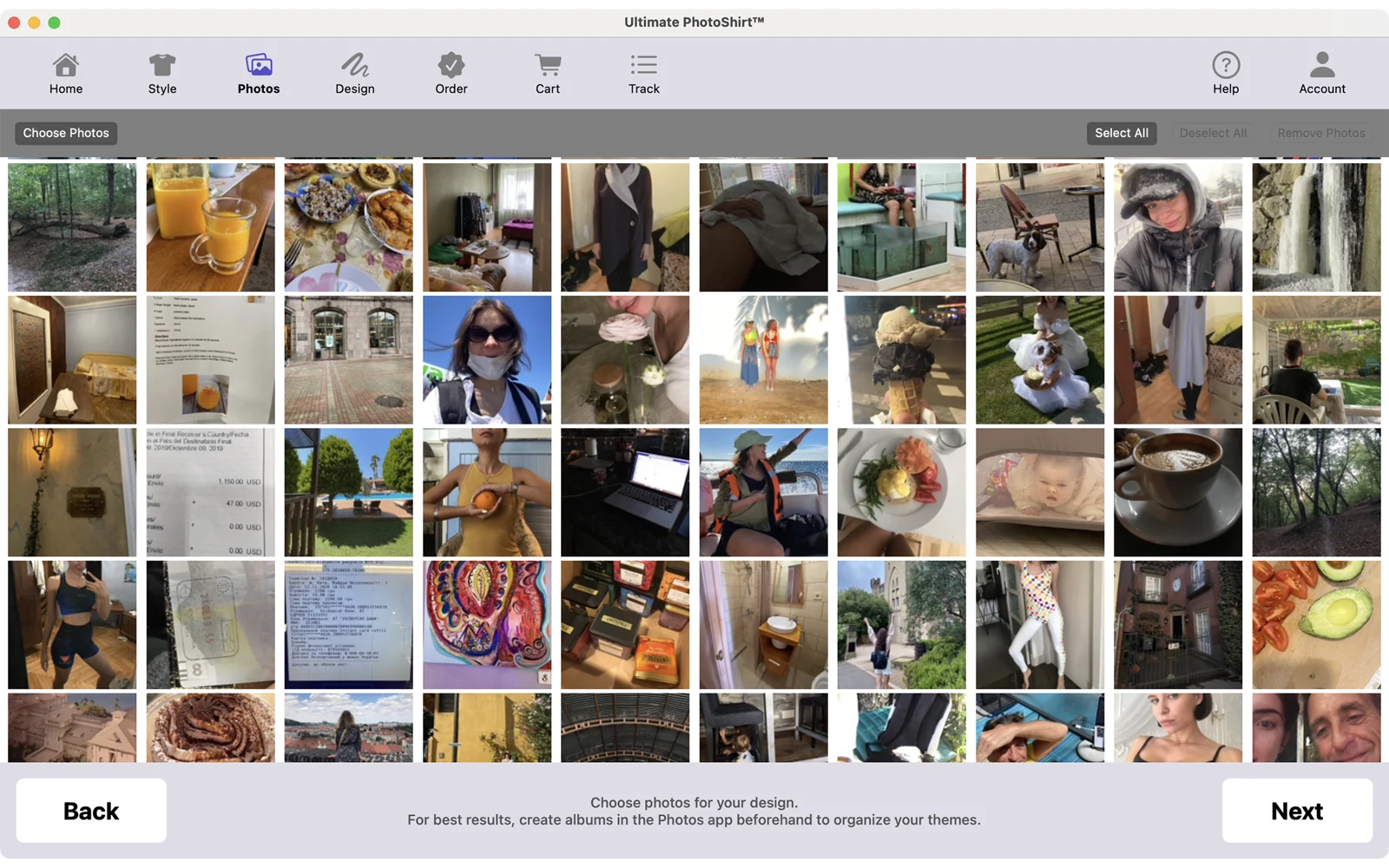
Pick Your Style
What’s your style? Keep it classic with crew neck tees or go bold with Hawaiians, hoodies, bombers, and sweatshirts. Show some skin with tanks, crops, or dresses. Move easy in leggings, joggers, or biker shorts. Whether it’s loungewear, gym fits, or street style, PhotoWear™ Designer has your back — from polos to pajamas, and even swim trunks. Plus, create custom bags, phone cases, pet gear, flags, and pillows. If you can wear it or gift it, you can design it — we’ve got your vibe.

Design Your Photo Layout & Style
Choose your photo layout style — from clean grids to layered spreads to full-on freestyle — whatever tells your story best. Add custom borders like vintage frames, instant photo edges, or minimalist outlines to give your piece instant impact.
Bring your images to life with shadow effects, whether you want subtle depth, soft glow, or bold cutouts. Shift the mood entirely with cinematic color toning — from sepia and noir to halftone or the dreamy softness of French Dream. And for heritage, texture, or statement style, wrap your design in authentic Scottish tartan.
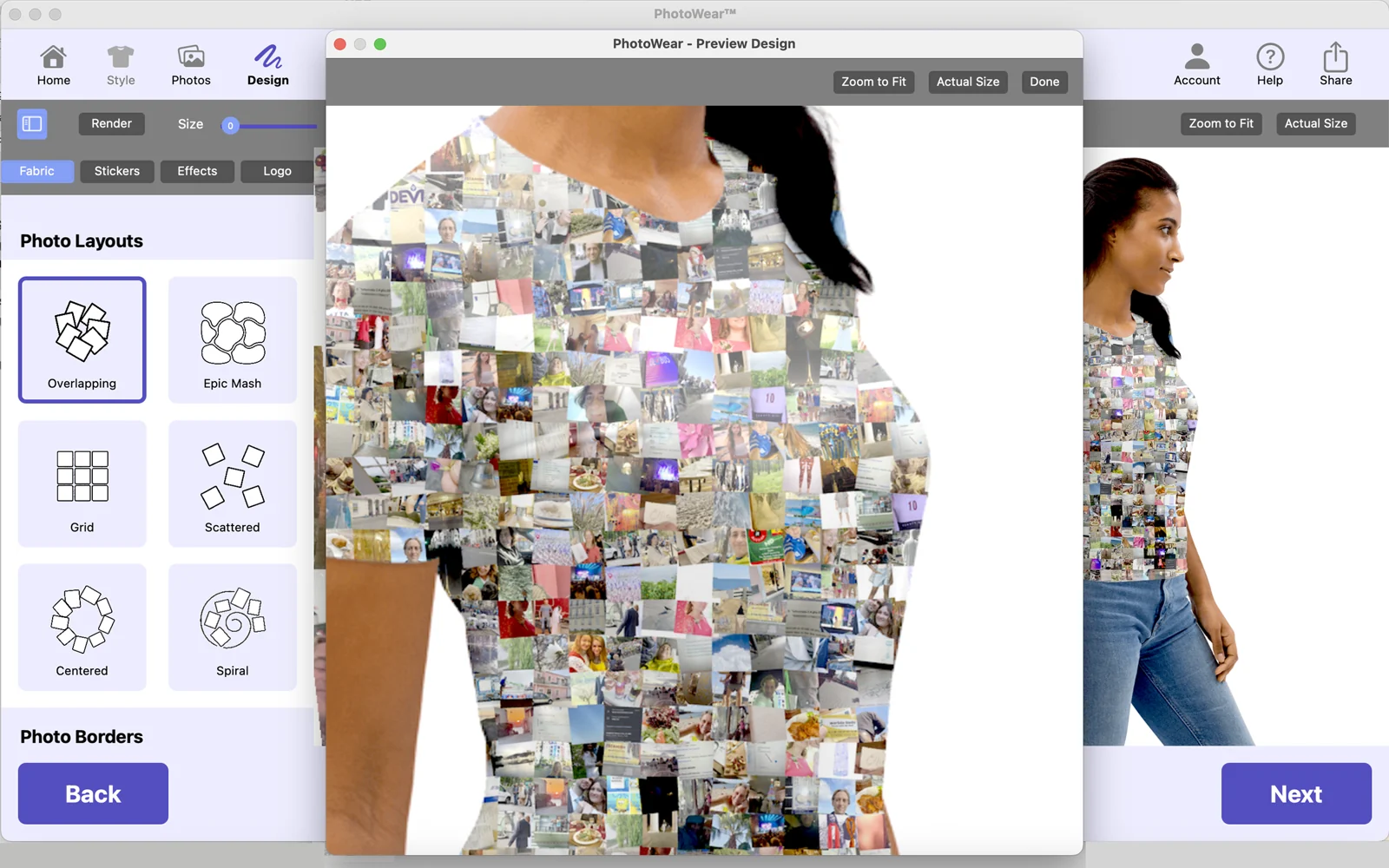


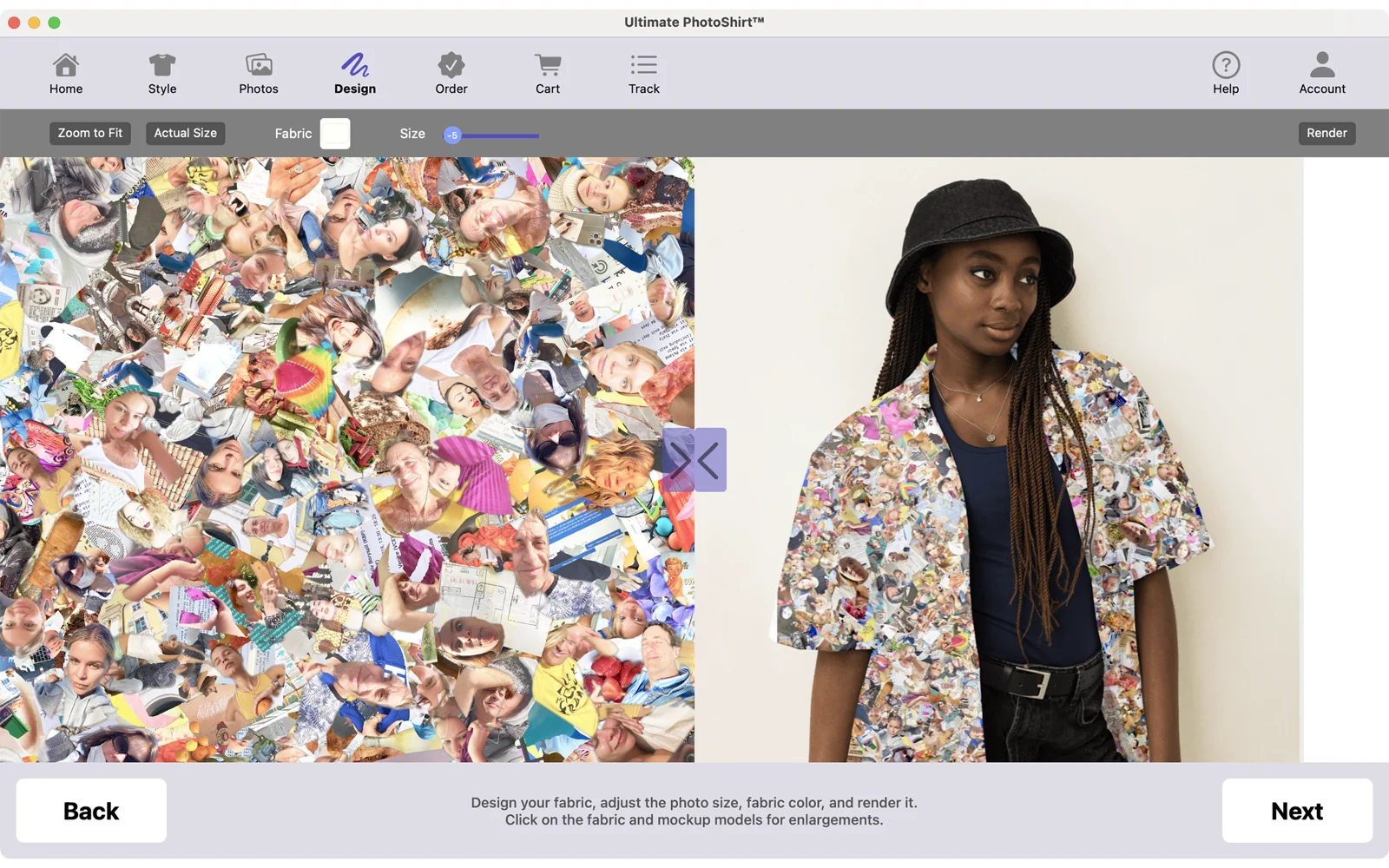
Presto - Magic Fabric
See your magic fabric as the app automatically finds the best parts of your shots and creates a dense, epic design, weaving your memories into a smooth, stylish look that’s totally about you and your adventures. Click on the fabric picture to see examples. This app is pure magic — it takes your favorite photos and transforms them into stunning, unique fabric. Using a wild technique, it picks out the best parts and creates an unforgettable, dense seamless design. Look at the details of our friend's wedding — can your find a pickle in this fabric! (click to view full size)

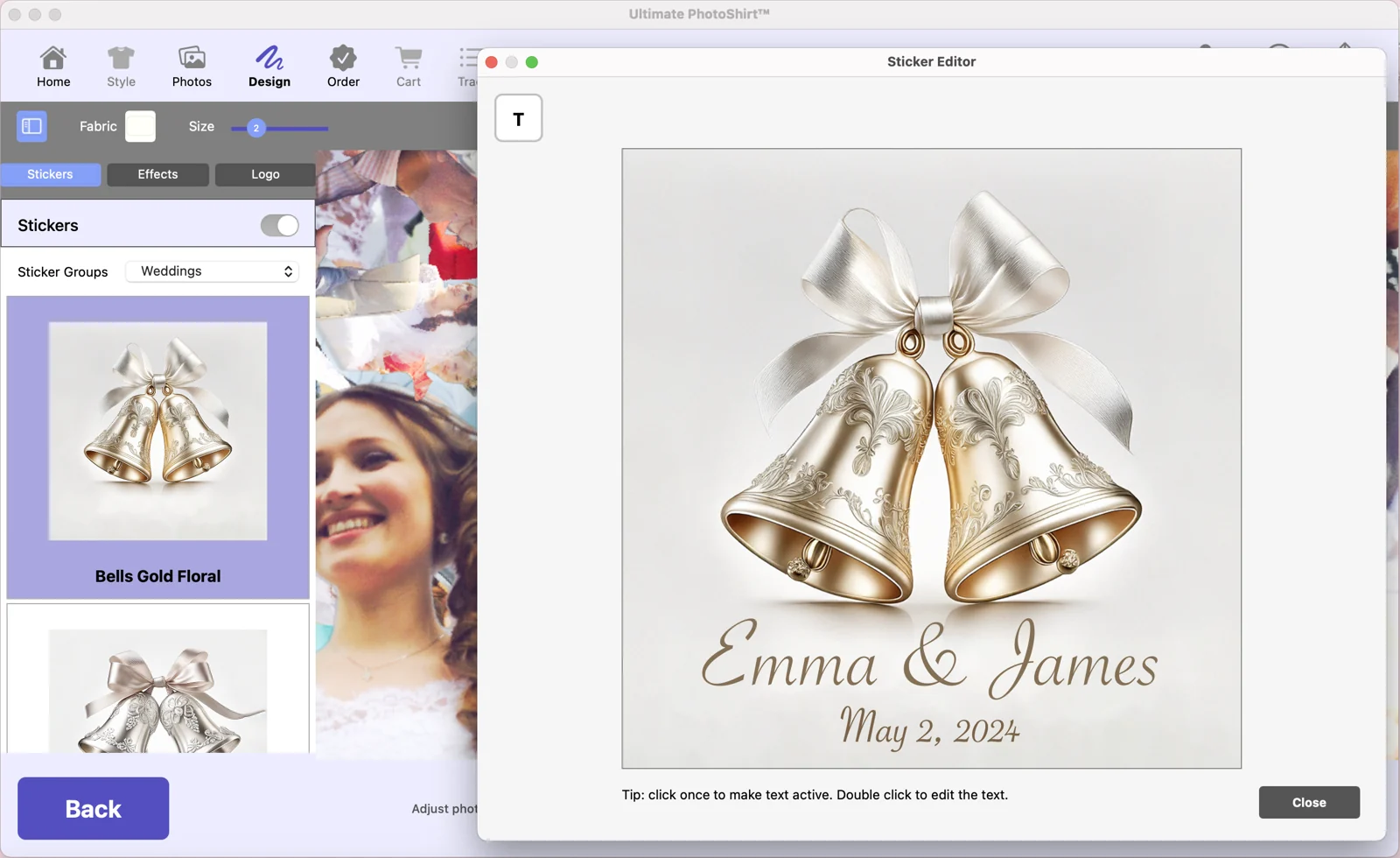
Design a Sticker
Dedicate your design to the event, like the big wedding day for Emma & James. The app comes with 500+ sticker images to which you can add your own text. Available only on our Mac App version.
Preview Your Look
See how your gear will look with a live preview before it’s made. View your own shirt, jacket, or hoodie in all its glory.
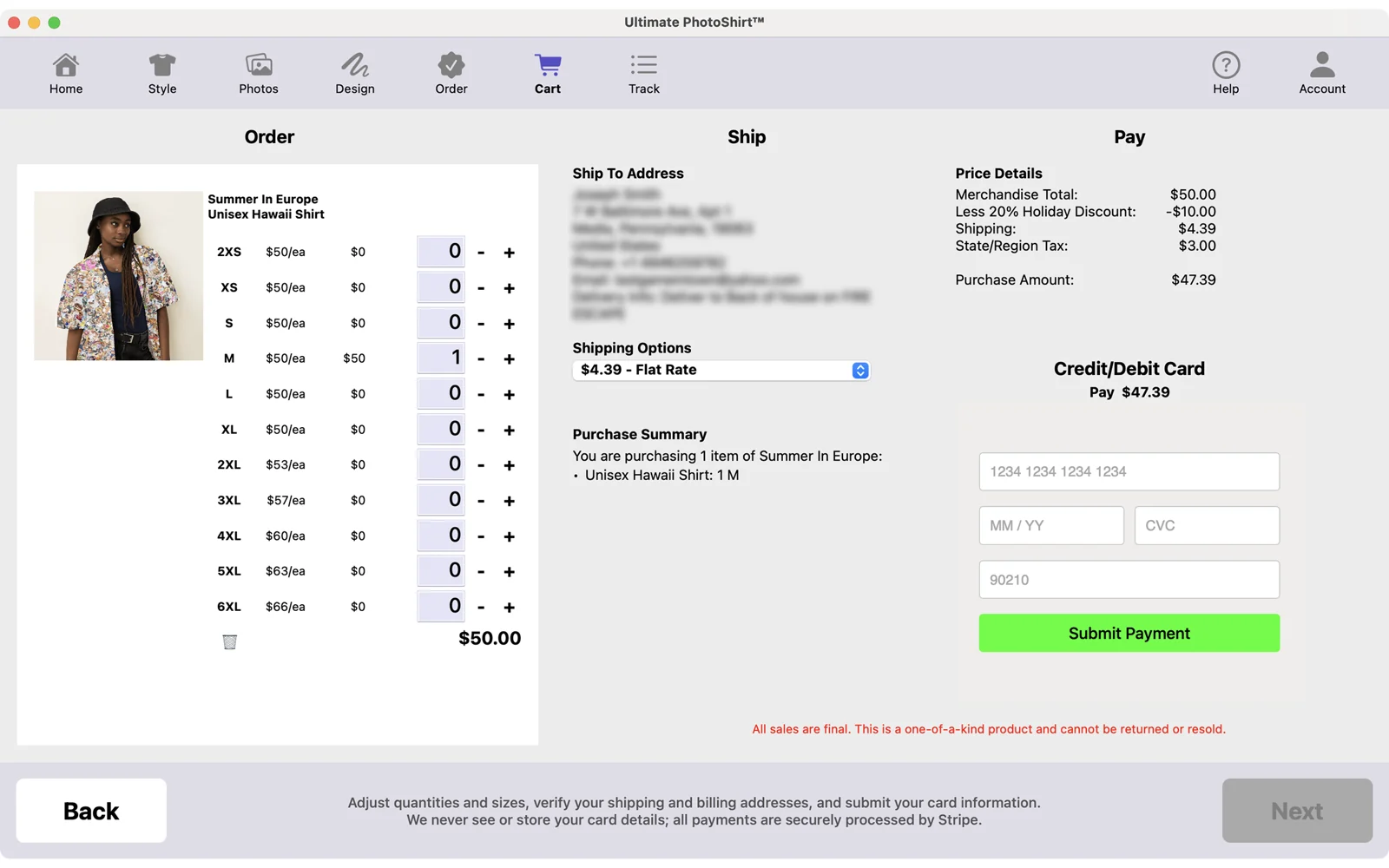
Cash Out
Love your design? Review everything. Then checkout with Apple Pay - fast, secure, stress-free.
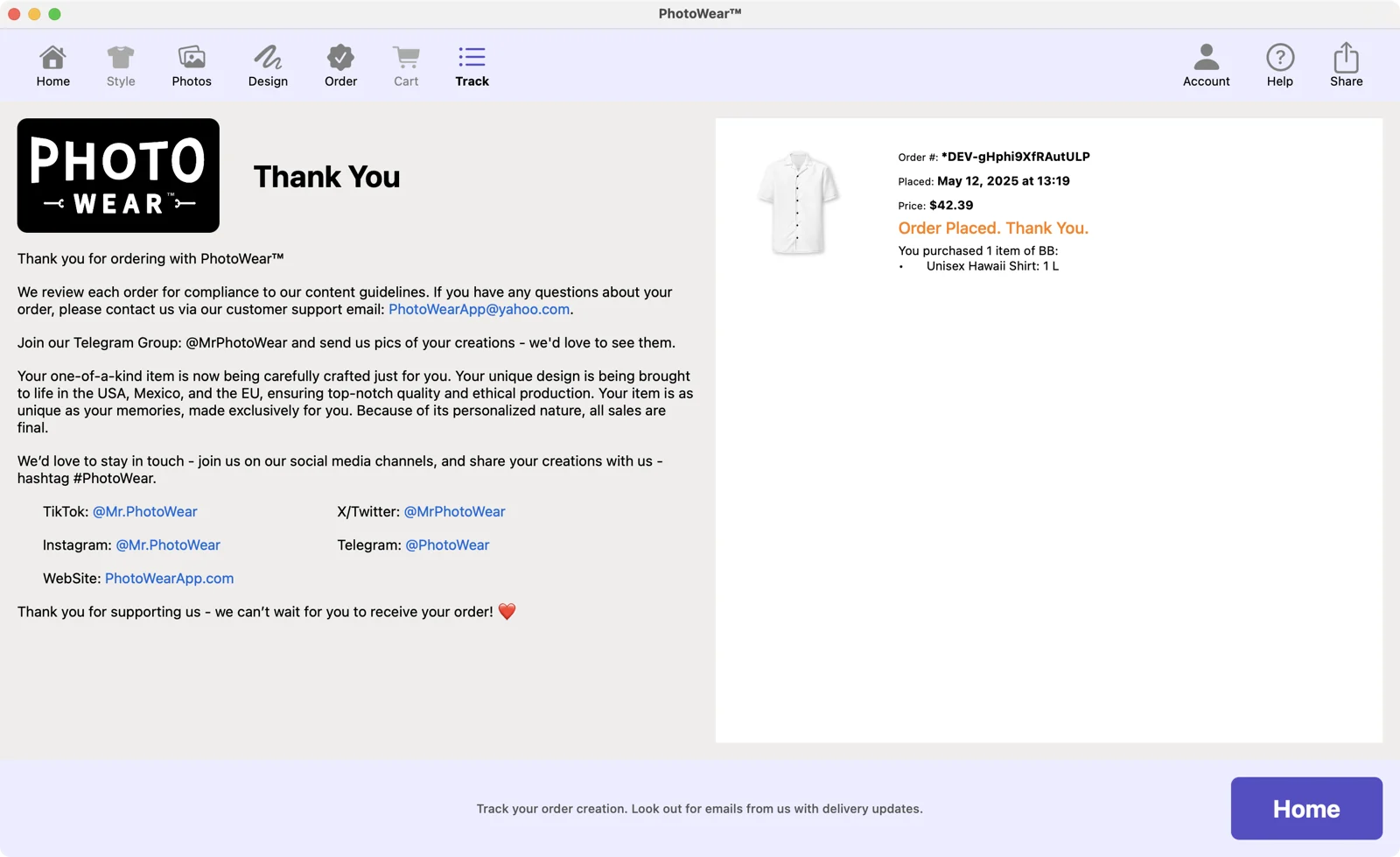
Delivered in 10-14 Days
Your uniquely designed item will show up at your door ready to party. Whether it’s for yourself or as an epic gift, you’ll be rocking a high-quality piece that’s guaranteed to thrill and endlessly fascinate everyone. We never get bored finding forgotten moments in our own crazy epic pieces we designed with PhotoWear™.
See it in action